
MAXHUB XBoard V7: the all-in-one meeting display
4K touch display, three cameras, sixteen microphones and built-in Windows. You walk in, start Teams, and the meeting begins.
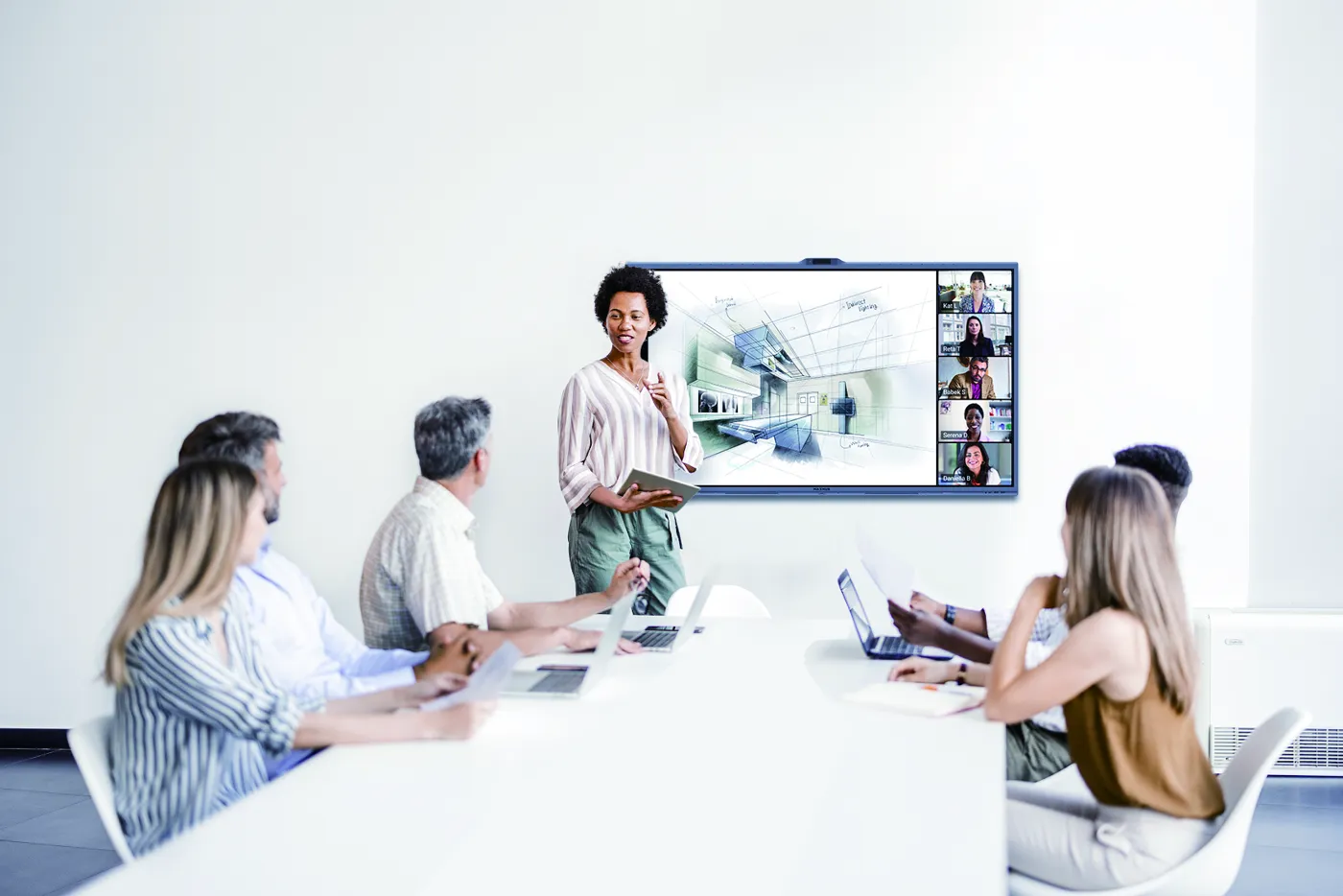
Every meeting starts with a technical problem
The cable doesn't work, the camera only shows half the table, the sound echoes, remote colleagues can't hear anything. And meanwhile, everyone waits.
What changes in your room
Everything is in the display
Cameras, microphones, speakers and a Windows PC are built in. No more boxes, cables and remote controls to hunt for.
You see who is speaking
Three 50 MP cameras (one panoramic, two with zoom) frame the room and automatically follow the person speaking.
Everyone is heard
Sixteen microphones pick up voices up to 15 metres away. AI noise reduction filters out keyboards, ventilation and the corridor.
A real whiteboard
Precise 4K touchscreen with pen. Write, annotate a document, save and share your notes.
Everyone shares their screen
Teams or Zoom directly on the display, or from your own laptop: wireless, using the room's camera and microphones.

Who it's for
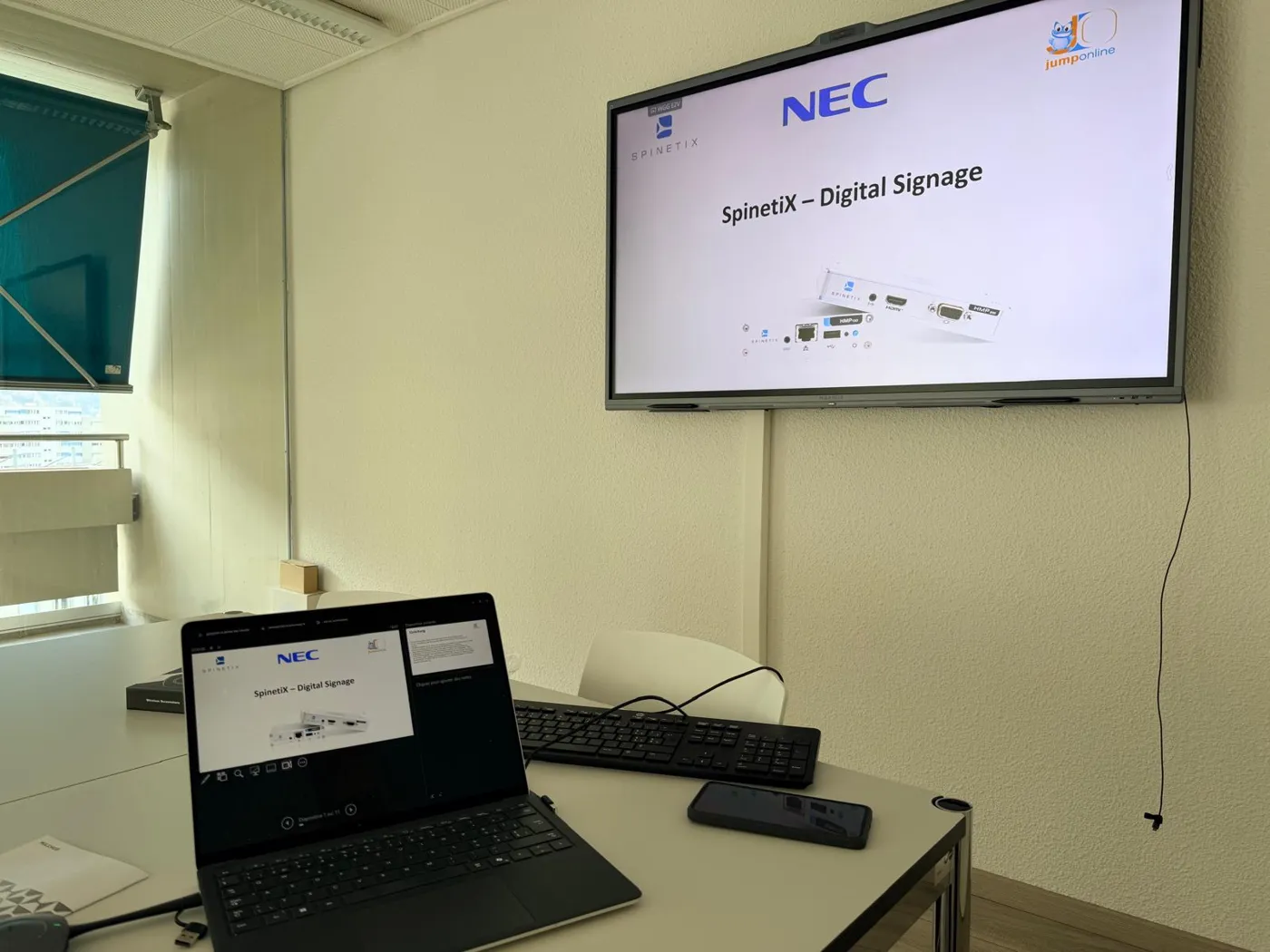
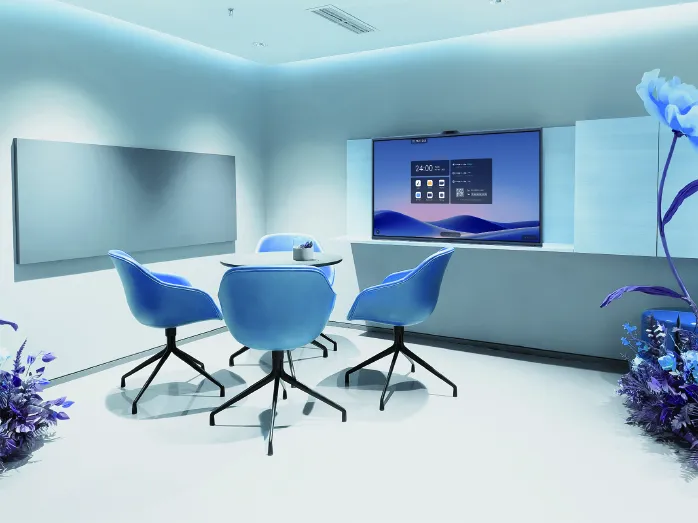
- Small rooms for 2 to 4 people
- Rooms for 4 to 8 people
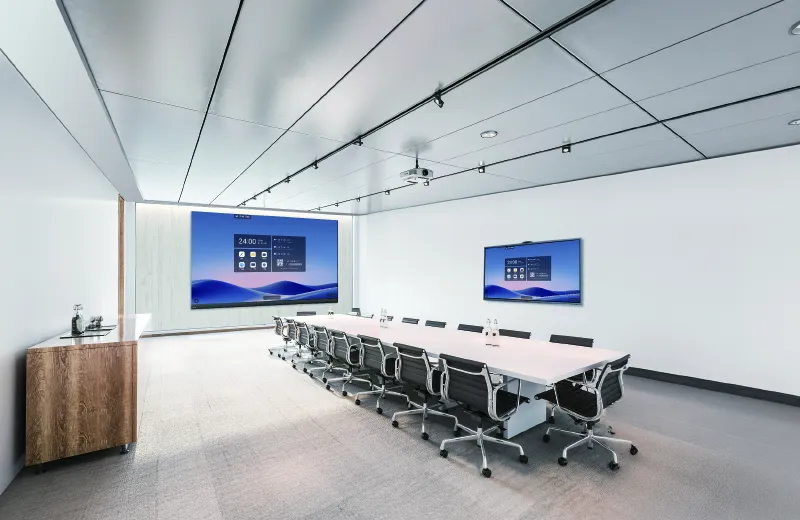
- Large rooms up to 20 people
- Management teams, engineering and architecture firms, municipalities, schools and training rooms
What Jump Online does for you
- We visit the room and choose the right size, from 55 to 86 inches
- Wall or stand mounting, network connection
- Setup of Teams and your Microsoft 365 accounts
- Hands-on introduction for your teams, on site
- Updates and support: one contact, no ping-pong between suppliers
Specifications
- Sizes
- 55, 65, 75 and 86 inches
- Picture
- 4K UHD 3840 × 2160, 60 Hz, anti-glare
- Touch
- 50 points, ±0.5 mm accuracy, pen
- Cameras
- 3 × 50 MP, 2× optical zoom, auto framing, speaker tracking
- Microphones
- 16 mics, 180° pickup up to 15 m, AI noise reduction
- Sound
- Stereo 2 × 10 W + 20 W
- System
- Windows 11 Pro PC module
- Connectivity
- Wi-Fi 6, Bluetooth 5.2, HDMI, USB-C, RJ45 network
Source: MAXHUB XBoard V7 datasheet. Specifications may vary by model.
Price
Tailored quote: display, mounting, installation, setup and onboarding. We start by visiting the room.
Frequently asked questions
Do I need a computer next to the display?
No. The Windows PC module is built in. You can also plug in your laptop or share its screen wirelessly.
Does it work with Teams and Zoom?
Yes. Video conferencing apps run on the built-in Windows. If the meeting is started from a laptop, the display's camera and microphones are used.
Which size should I choose?
It depends on the room and the distance to the last chair. We visit the room and advise you, from 55 to 86 inches.
Who takes care of it afterwards?
We do. Updates, Microsoft 365 accounts, user questions: you have a single point of contact.
Go further
Jump Online Services Sàrl · Route de Lentine 80B, 1950 Sion · 027 481 00 27 · info@jumponline.ch · jumponline.ch
Want to see it at your place?
In a free unblocking session, we look at your needs, on site or in Sion, and tell you honestly what fits.
Book a free unblocking session